

How mainstream technology can help when your vision is reduced: iPhones
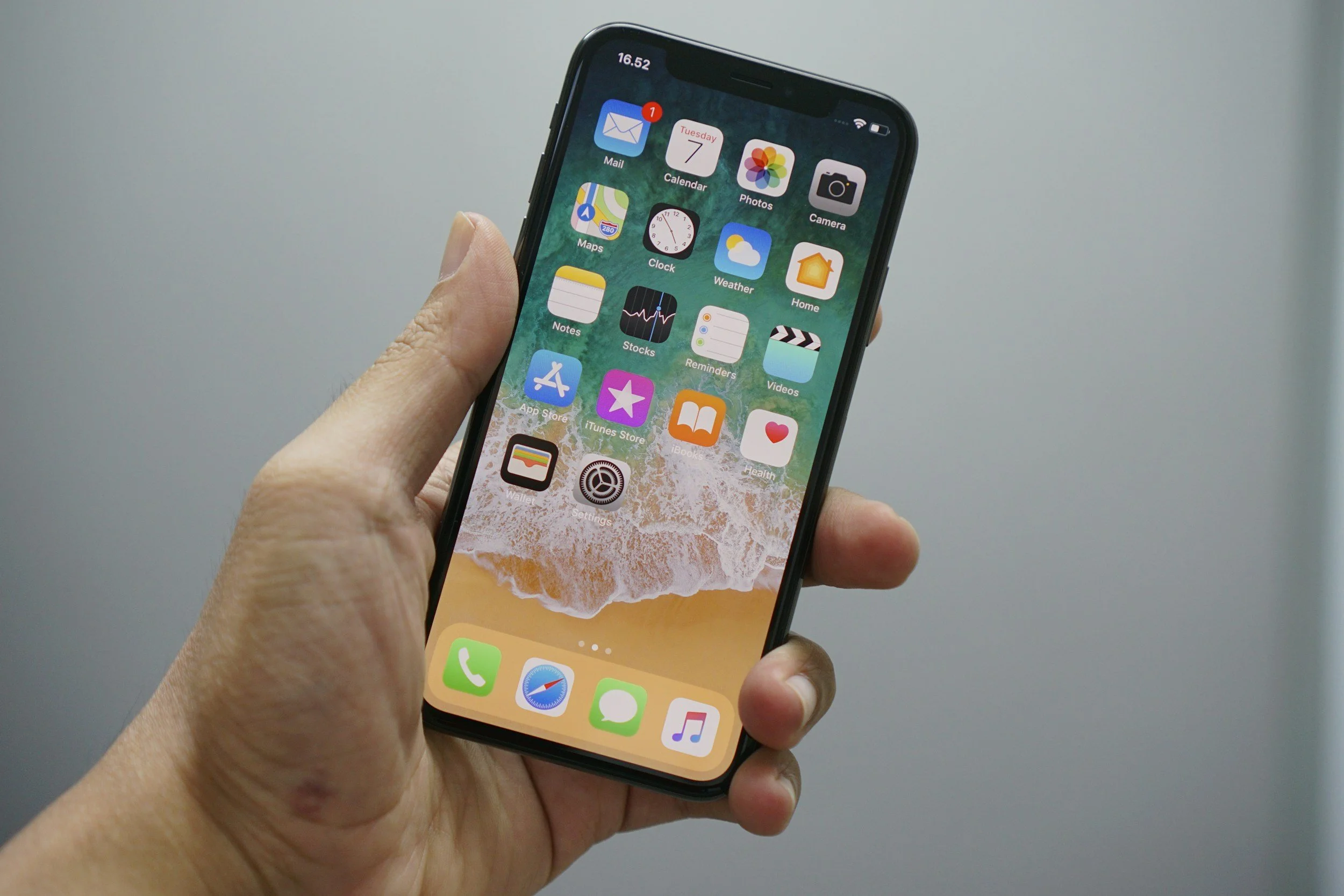
Image of an iPhone being held in the palm of a hand
If you have experienced reductions in your vision, perhaps due to macular degeneration, diabetic retinopathy, glaucoma, or cataract, it can make everyday tasks difficult. However, did you know that you might already own a device that can serve as a pretty great low vision aid?
Smart phones and tablets have become an everyday part of life for many of us. For those of us with low vision, the in-built features of these devices help to ensure people can still access them, even if their vision is reduced, and they also have some features that can be put to good use to improve access to information found in everyday settings. In this article we’ll discuss some of these features that might be of use to people who have experienced mild levels of vision loss.
Need more light?
Lots of people with reduced vision find that lighting levels are crucial. Whilst glare is unhelpful, carefully positioned extra light is helpful. Most modern phones come with a torch function, which provides a bright light that can be directed to whatever it is you are trying to look at. This feature is great for reading menus in restaurants with ‘mood’ lighting, and deciphering print on labels and packaging, which can often be poor contrast, such as white print on a green background.

Too small to see?
Sometimes things are just too small to see, and on these occasions, you can make great use of the camera function to take a photo, and then zoom in. Next time you are trying to read instructions on a product, give this a go. Turning your phone round to landscape can help further depending on the dimensions of the text block.
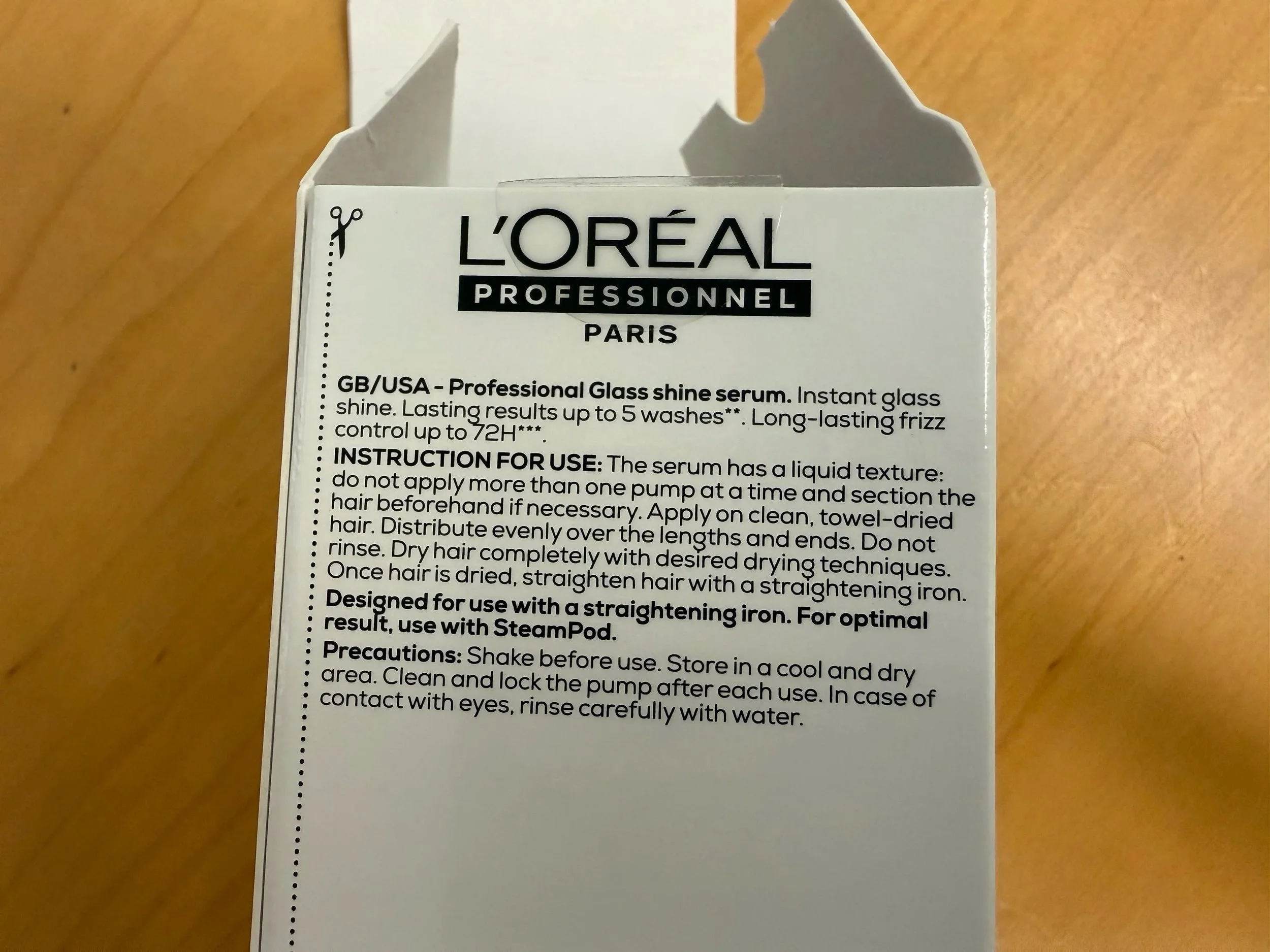
Packaging for a hair product: a white box with black text detailing instructions for use.
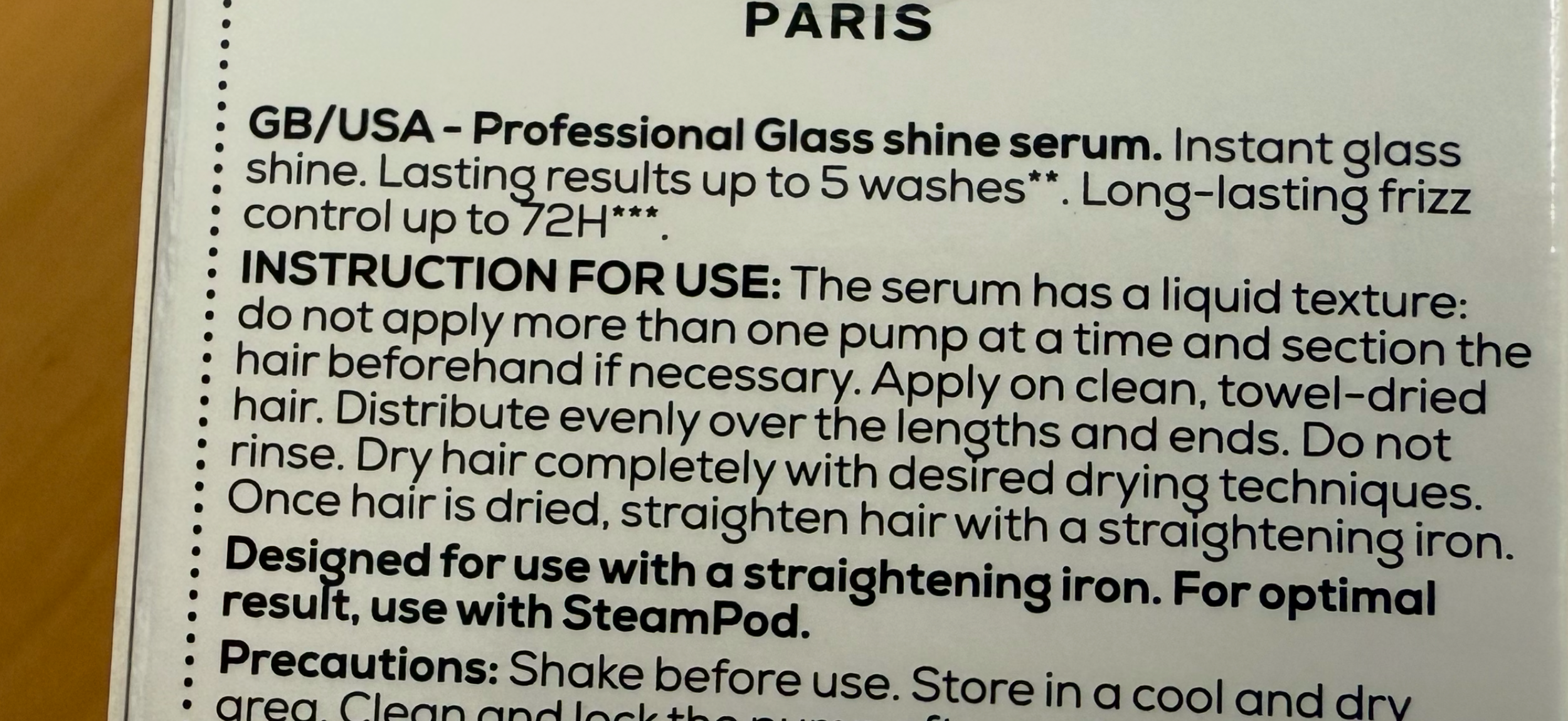
The same image as previous, but zoomed in, so the size of font has increased and is easier to read.
What about accessing information within the device itself?
There are numerous settings that you can experiment with. You first need to find the section where the accessibility features are listed. As an example, on an iPhone, you are looking for the ‘settings’ app.
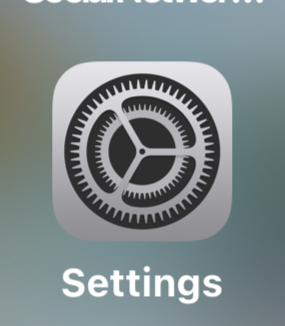
Image of the settings app on an iPhone.
Next, look for ‘Accessibility’ on the list and select.

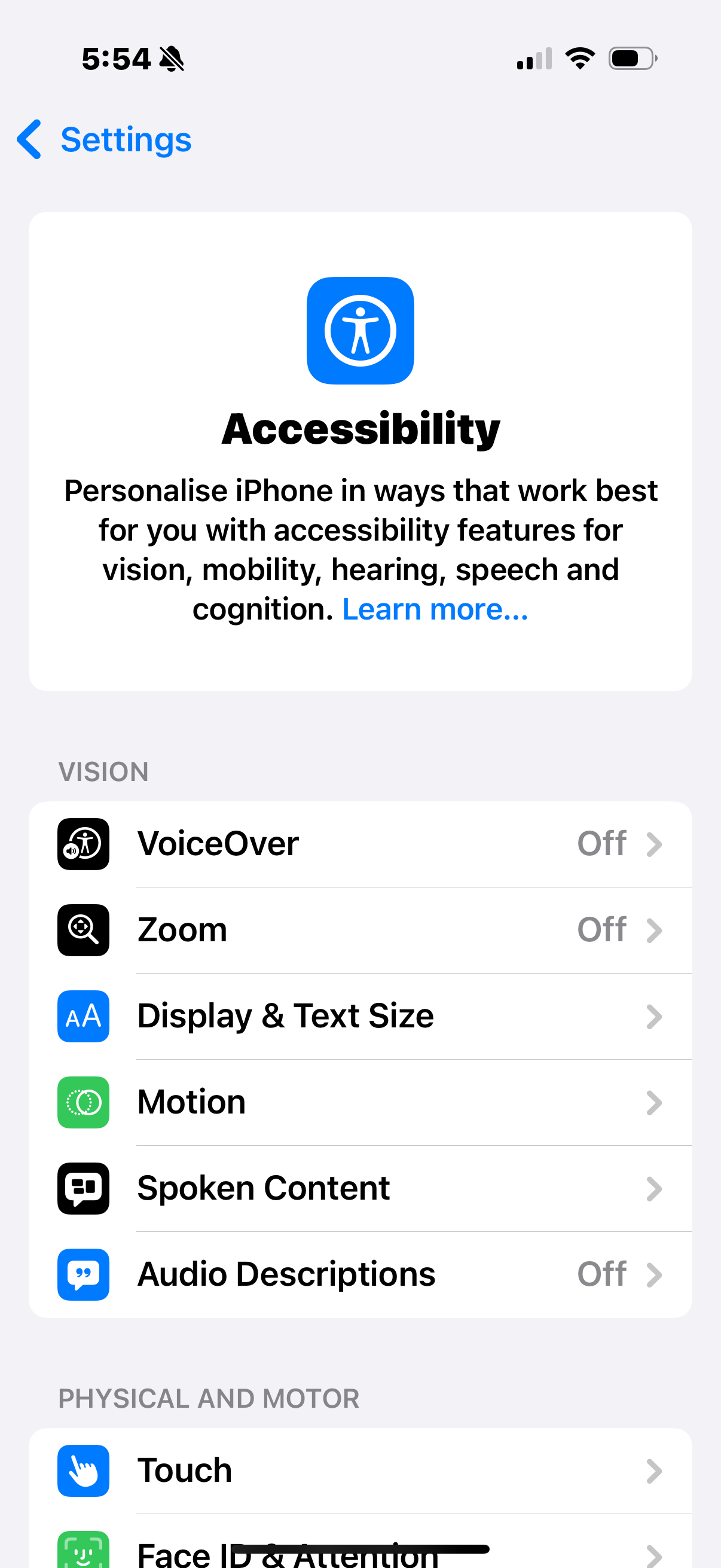
Here in the accessibility section you will find a range of vision features. It’s worth exploring to see what works for you, but as a starting point, check out the ‘Display & Text Size’ section where you can:
Turn on bold text
Turn on larger text, which expands the range of text sizes available.
Increase the contrast of apps
Invert text, so it displays as white font on a black background
There is quite an array of text sizes if you turn on larger text. It is best to experiment, since if you make the font too large, reading words requires a lot of scrolling across the screen. You want to aim for the smallest size text that you can comfortably see.
When in the ‘larger text’ section, there is a slider at the bottom, which you can use to adjust the text size and this changes the size of the font displayed in real time, so you can immediately see the effect of the change.
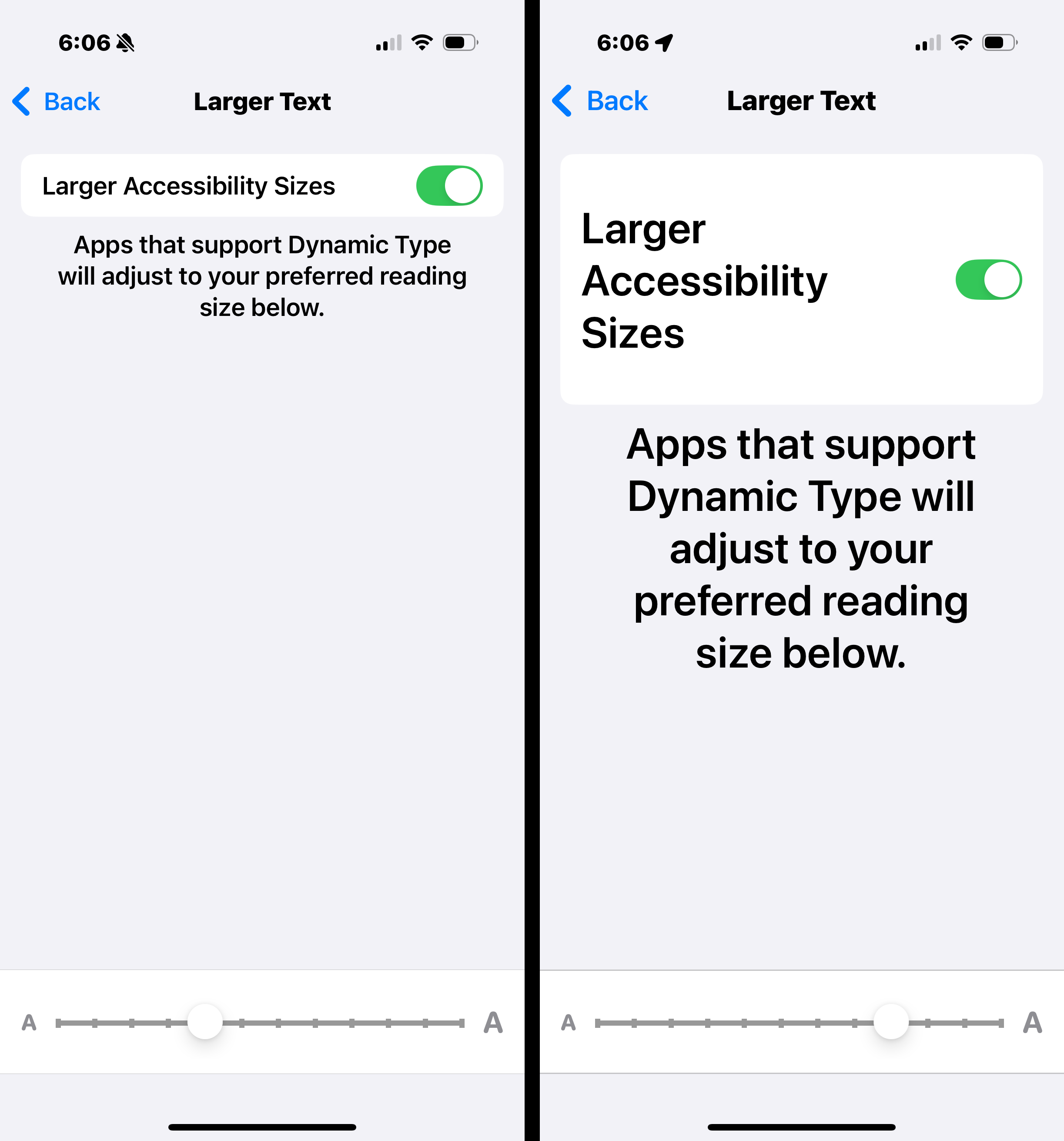
Image of an iPhone screen before and after changing the text size in accessibility settings.
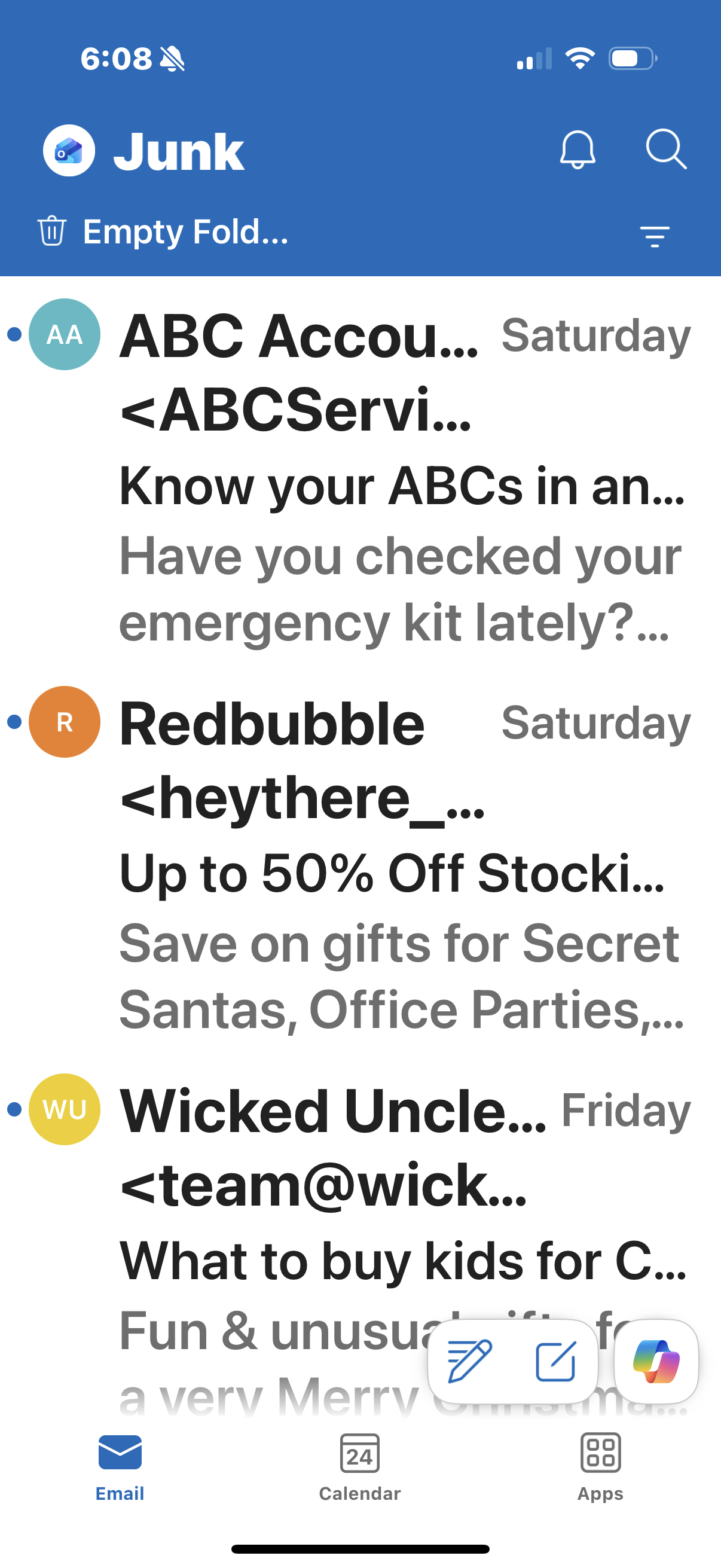
Making these changes also changes the font size for most of the other apps in your phone, for example, here is what the Outlook mail app looks like with the larger font selected:
Losing your vision can make everyday tasks feel impossible, but there are many small adjustments that can be made to ensure you can keep doing the things you enjoy. Hopefully this post has helped to illustrate how these types of adjustments can help. Having a low vision optometrist supporting you along the way can make things feel a lot more manageable.
At Special Eyes we can help you make sense of your vision condition, explain options available to help keep you doing the things you want or need to do, and demonstrate / trial optical low vision devices. Low vision support is often best provided through a multidisciplinary team approach, so for many people, we will assist you in accessing other additional services, to ensure you are fully supported.
If you are interested in finding out more about our low vision consultations, please give us a call, or drop us an email. Our reception is staffed Mondays and Thursdays, 10am - 2.30pm and we would love to help.